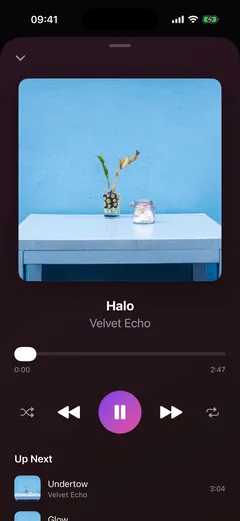
10–20 SEC▶
01
Feature teaser
One sharp product beat for changelogs, social, and feature drops.
Bring a screenshot, a screen recording, or nothing at all — Reely makes the launch video. Directed by you, driven by your agent.
One plan, every feature. Cancel any time.
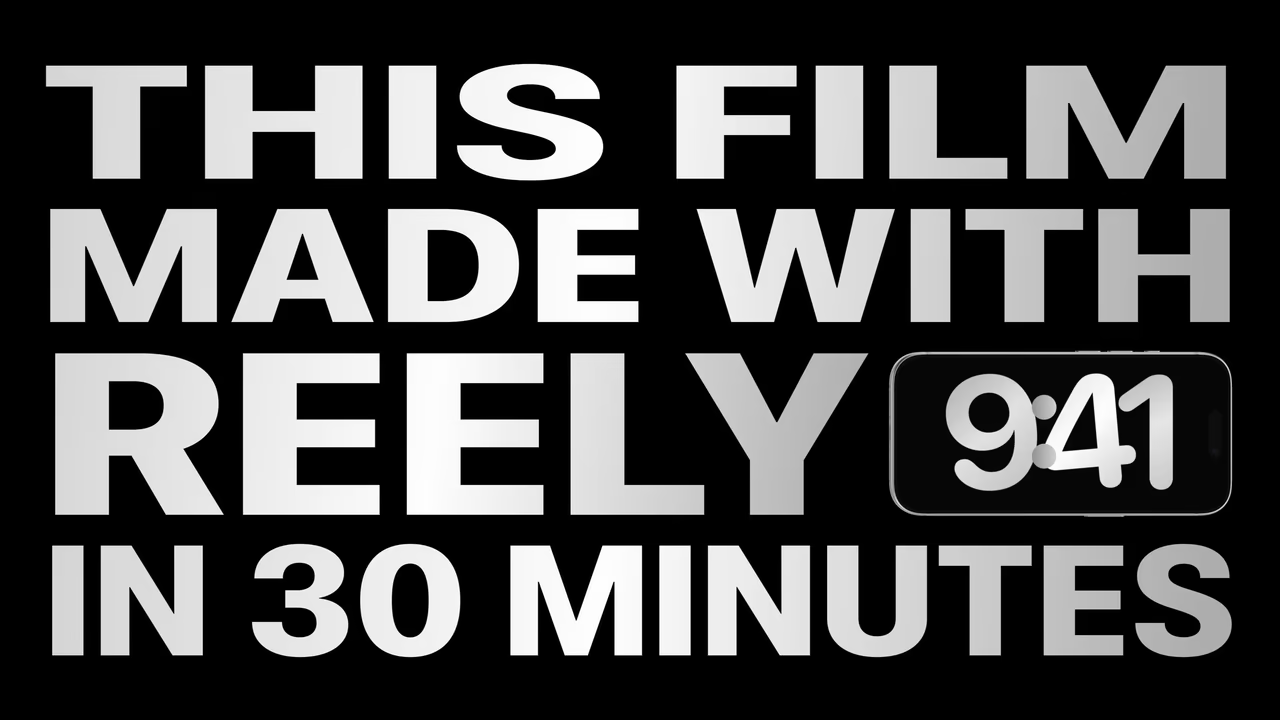
Launch film. Made with Reely in 30 minutes, from the app alone.






Feature teasers and launch promos. Each one rendered from a prompt.
Keep Max 50 GB · Add controls before Spain
Mobile data pauses instead of creating out-of-bundle charges.
The provider confirms countries, dates, and final price.
Do not enable roaming until the pass is shown as active.


Black silk evening gown by Emilio Pucci. Strapless bodice with a concealed zip closure at the side. A timeless silhouette for formal evenings and black-tie weddings.
Good afternoon.
How can I help you today? Ask me anything.
Describe it once. Your agent writes the video the way it writes the code.
See more use cases ↗One of 130+ ready-made templates.
A few plain-English beats become an editable plan.
Device, finish, lighting — adjust every part of the shot.
Up to 4K — H.264, HEVC, ProRes or a GIF.
Create a short feature teaser or a full launch promo, directly from your app.
One sharp product beat for changelogs, social, and feature drops.
A complete launch story with scenes, titles, music, transitions, and product footage.
Drop phone screenshots and watch them play inside seven real Reely renders.
Unlock the full Reely studio on your Mac. Your screens, your story, your name on the final cut.
Your app gets the spotlight.
Tell the story on every scene.
Give every reveal its own rhythm.
Build on ready-made device moves and formations.
Direct cameras, keyframes and transitions.
Create with your AI agent, refine in the Mac editor.
Combine scenes into a complete product story.
Finish with crisp, high-resolution video.
For Mac · Explore plans · Cancel any time
Most tools need you to produce the footage before anything can start. Reely takes whatever you have.
Drop in the screenshots or the recording you already have. Reely builds the whole video around them.
No recording, no clean take, no demo-ready app. The agent rebuilds the feature and films it running.
Every starting point is included. One subscription, every feature.
When Reely builds the screens, the interface stops being footage and becomes something you can direct.
Text that types itself into a real field. A counter ticking up in the actual UI. An element that animates in place. Footage can only be moved around the screen — an authored interface can move from the inside.
Flawless demo data, the copy you meant to write, a locale, the paid tier, an empty state, a feature that does not exist yet. No fixtures, no test account, no waiting on a backend to look right.
Your video is a spec, not a finished file. Redesign the screen and it re-renders.
And because the agent directed the run, it knows when every tap landed — so the cuts, camera moves and captions sit on the app’s own timing instead of a number someone guessed in a timeline.
Pick how you want to pay. There are no feature tiers and no usage limits — a subscription is the app.
Maximum flexibility.
Billed monthly
Pay for two months. Export for three.
Then $9.99/month
One payment. A full year of exports.
$7.50/month · Billed annually
Prices in USD · Secure checkout.
No. Reely is a paid Mac app and requires an active license to create, edit, render, and export videos. Every feature is included with the monthly and annual subscriptions.
Yes. Screenshots and screen recordings are first-class inputs, so an app on any stack gets the full treatment — kinetic titles, 3D device motion, transitions, beat-synced cuts and brand theming. Native SwiftUI unlocks one extra step: Reely can build and film the interface itself, and time every cut to the moment each tap landed.
No. Screenshots alone are enough to get started, and Reely never builds or modifies your project — it works in its own scaffold. If you do point it at SwiftUI source, it reads it to match your structure and tokens more precisely, and that unlocks the build-and-film route.
Reely is a native Mac app. Building videos from screenshots or your own footage needs nothing but the app. The build-and-film route additionally runs the iOS Simulator locally, so that one needs Xcode installed. Everything renders on your machine — no cloud, no upload.
Tell people about Reely on social, pay $19.99 for your first three months of exports, then renew at $9.99/month. We trust you — there is no link to submit, screenshot to send, or approval to wait for. The offer is available once per customer.
Whatever you already have. Screenshots are enough — Reely builds the video around them. A screen recording works too, and your real app plays inside the device frame. And if you have neither, your agent can rebuild the feature as a working interface and film it running.
It depends which route you take, and both are legitimate. If you bring a screen recording, it is literally your app. If you let Reely build the screens, what you see is a faithful reconstruction of your interface — built from your screenshots and your code, using your real colours, type, spacing and assets, animating with genuine native motion. It is not your shipping binary, and we would rather say so plainly: what you gain in exchange is the ability to show perfect data, any locale, a paid tier, or a feature that is not finished yet.
They stay on your Mac and are not deleted. Renew your subscription to open, edit, render, or export them again.
Reely requires a subscription: $9.99 monthly or $89.99 annually — annual saves 25%. Every feature, productive agent command, render, and export is included in both.
Not automatically. Apple applies content, duration, frame-rate, codec and device-specific resolution rules to App Store previews, and expects preview footage captured on device. Treat Reely output as a marketing video unless you have validated the exact footage and export against current App Store Connect requirements.
Stop wrestling QuickTime and a video editor. Choose a plan, describe the flow, and get the reel.
Get ReelyOne plan, every feature. From $9.99/month, cancel any time.